
Update writes straight to the Teams Admin Center
Changes in the configuration panels take effect when you press Update. They are then written straight back to the Microsoft Teams Admin Center and reflected there.
The button only appears once you change something
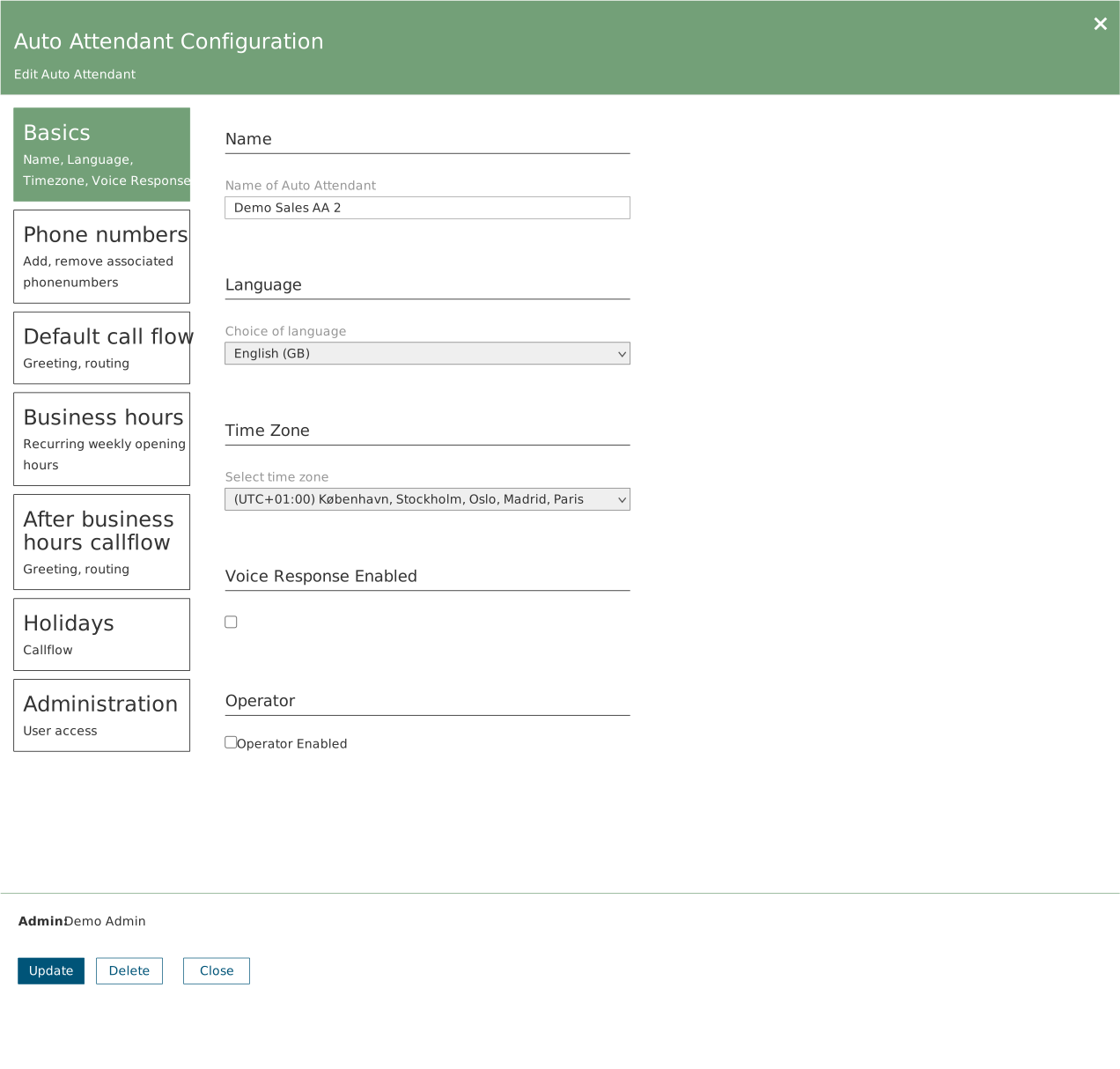
Open a panel and just look, and you will see only Delete and Close. Update becomes active the moment a field is edited. If you cannot see it, there is nothing to save.
The change is live immediately
There is no draft or approval step in between. Press Update during working hours and the new setup applies to the next call. Plan larger reworks for outside business hours.
Synchronisation the other way
Above the canvas you will find the time of the last synchronisation from the Teams Admin Center and a refresh button. If someone has changed something directly in Teams, the canvas is not necessarily up to date yet. Check the timestamp before you start troubleshooting.