
Deletion is blocked when something points at the object
You can only press Delete once no references to that auto attendant or queue exist. The block is deliberate and applies to both object types.
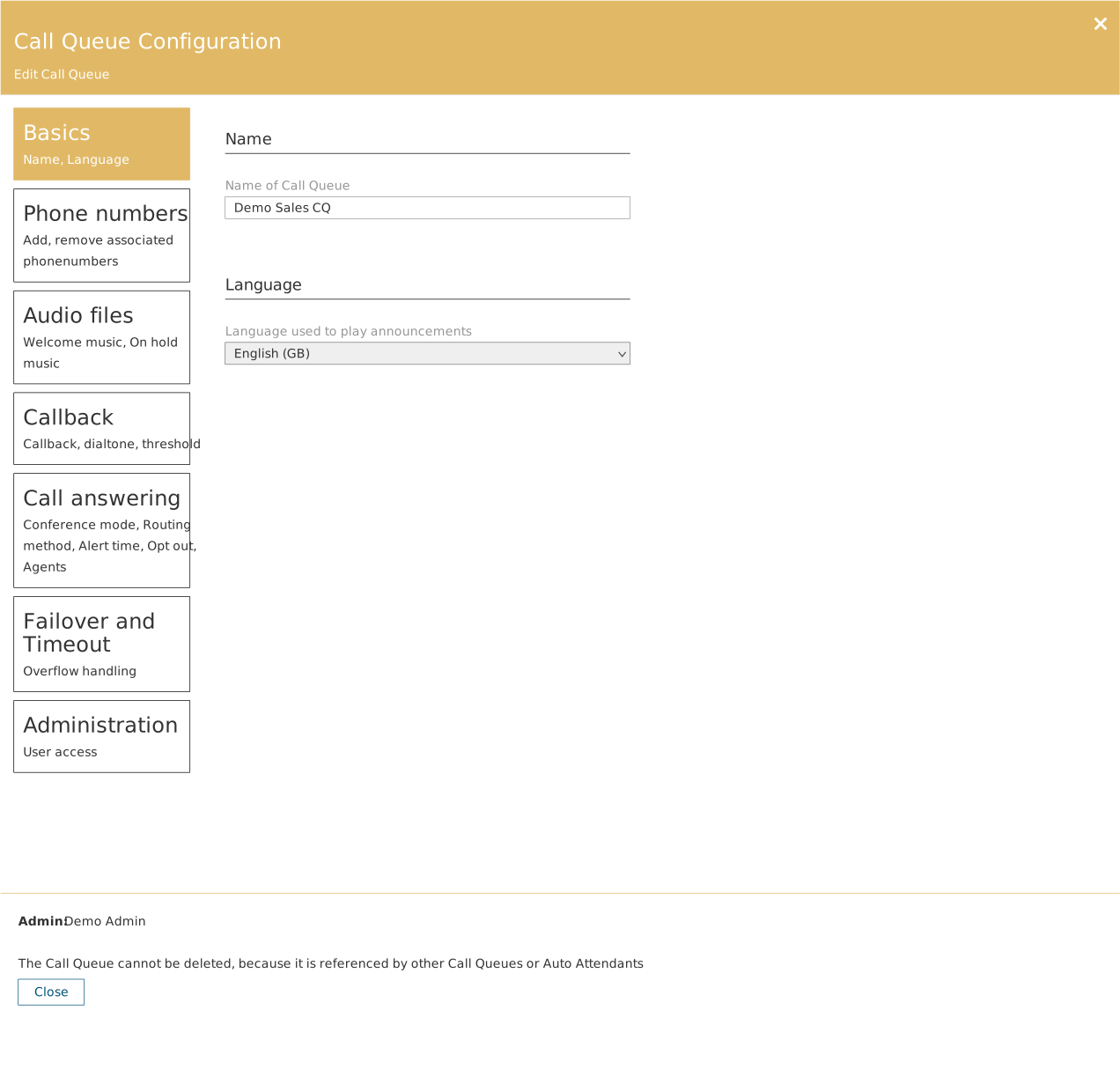
If a queue is used as the target for another queue's timeout or for an auto attendant's routing, the Delete button is removed and the panel instead shows the message that the object cannot be deleted because it is referenced by other queues or auto attendants.
How to find the references
Use the pin function: the pin icon in the column header lets you pin a number, an auto attendant, a queue or a user and see the references and dependencies attached to the object.
Alternatively, click the object on the canvas and see which lines point into it. Then correct each source before you delete.
Why it is an advantage
The mechanism catches a class of error that would otherwise be discovered by a customer on the phone: a flow pointing at something that no longer exists.