
| What you are seeing | Look here first |
|---|---|
| Calls go wrong in the evening or at the weekend | Is After business hours callflow set up? And is the time zone under Basics the right one? |
| Opening hours are a couple of minutes out | Minutes are rounded down to the nearest quarter hour. |
| Nobody is offered a callback | All three limits must be met. Also check whether the hold music has been changed. |
| Calls disappear when nobody is signed in | Unmonitored is probably set to No action. |
| Your change in Teams is not showing in the overview | Check the time at the top right and click the circular arrow. |
| A member of staff gets no calls although she is free | Is Presence-based routing switched on? Then calls only go to people showing as Online in Teams. |
| You cannot delete a queue | Something else points at it. The system removes the Delete button and explains why. Find the reference by clicking the queue in the overview. |
If in doubt, look at the overview. Almost every "what happens if…" question can be answered by clicking around the canvas and hovering over the marks. It is quicker than hunting through the panels.
How to save a change
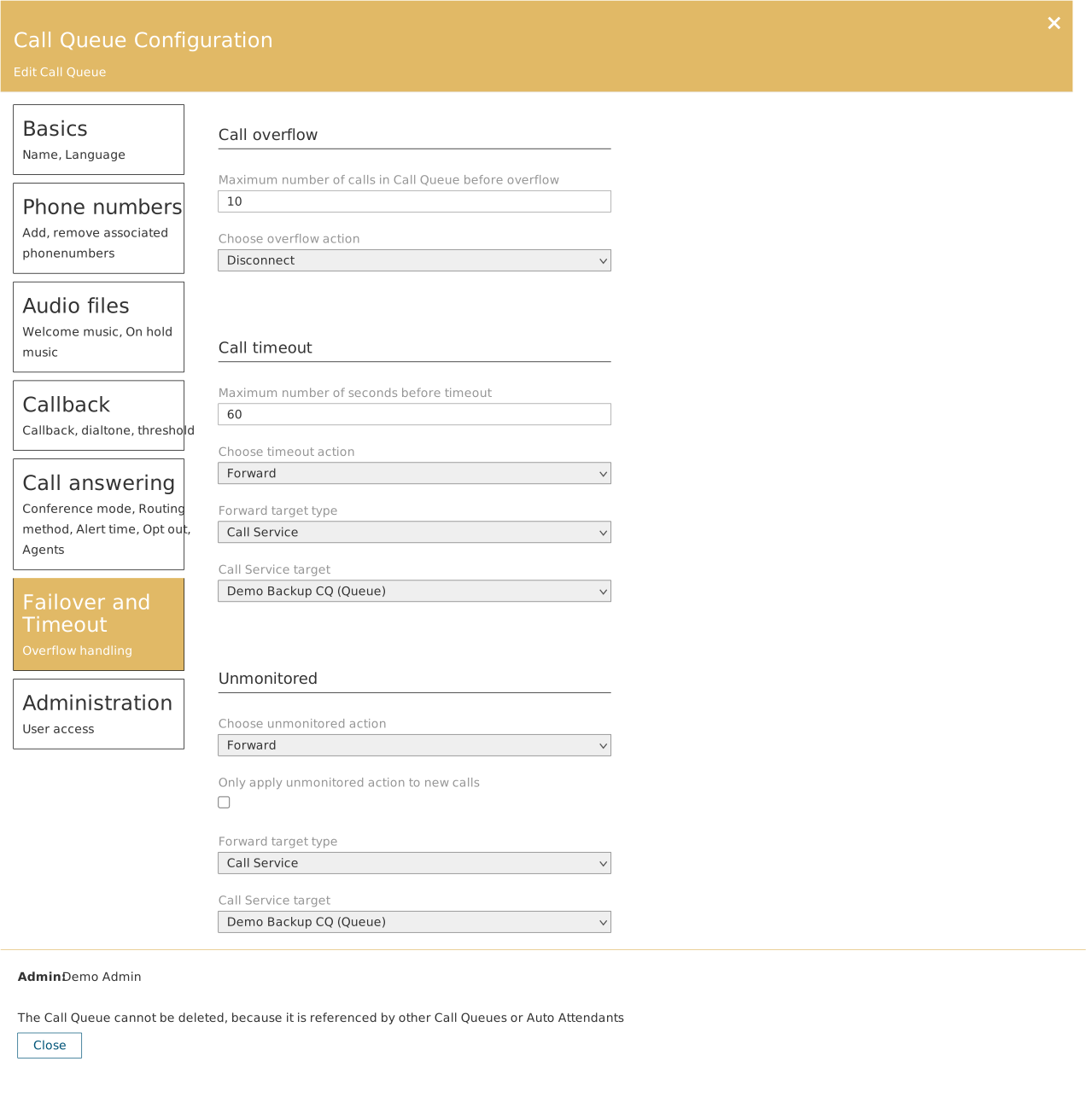
When you have changed something in a panel, you press Update. The change is then saved — and passed on to Microsoft Teams at the same time, where your telephony actually runs.
Cannot find the Update button? It only appears once you have changed something. If you have merely opened the panel and looked, you see only Delete and Close — and that is correct. There is nothing to save yet.
The change applies immediately. There is no save-as-draft step. Press Update in the middle of the day and the new setup applies to the next call that comes in. If you are making larger changes, do it outside opening hours.
See what is connected to what
In each column header sits a small pin icon. Click it and you can pin a phone number, an answering service, a queue or a person — and you are shown what is connected to it.
That is useful before you remove anything. If a queue is used by another queue, it cannot be deleted, and the system says so. The pin shows you why.