Products for the daily operation of Microsoft Teams Phone.
Answer calls, find colleagues and choose a direct or consultative transfer.
Start with the task that needs to be handled.
For Teams Phone administrators
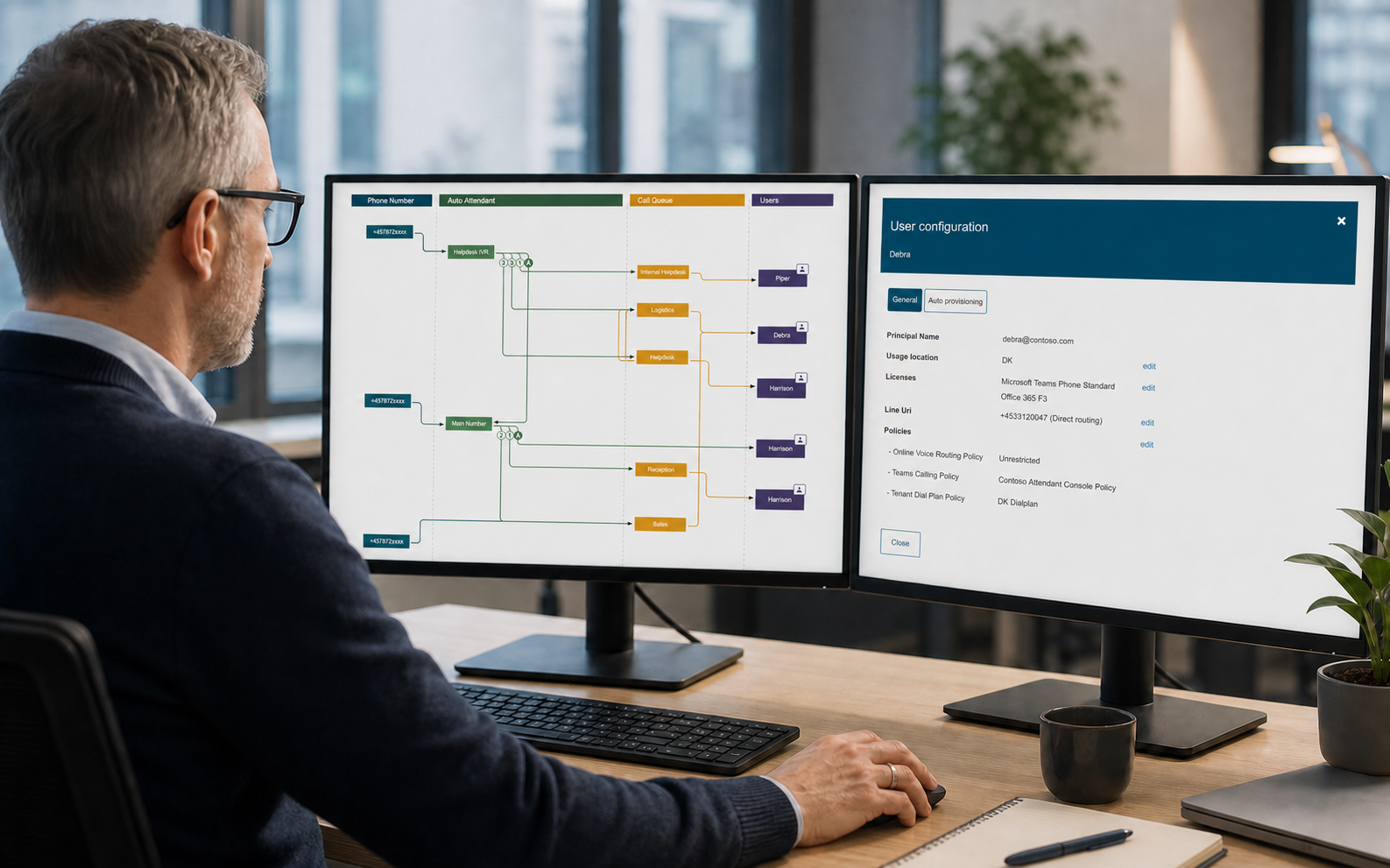
Call Flow Designer gives authorised users a visual workflow for call queues and auto attendants. DDI Manager brings telephone numbers, reservations and assignments together.
Daily administration
VoiceQ365 covers call flows, operations and analytics. DDI Manager covers telephone numbers. Coherence brings access together.
Review and administer call queues and auto attendants visually.
See available and assigned numbers and work with reservations and number data.
Assign access by role and bring VoiceQ365 and DDI Manager together on the same platform.
Call flows
Call Flow Designer shows the structure and supports changes without broad access to the Teams Admin Center.
Telephone numbers
DDI Manager centralises number inventory, reservations, assignments and related information.
Next step
We demonstrate the specific tasks you perform across call flows, queue operations and number administration.