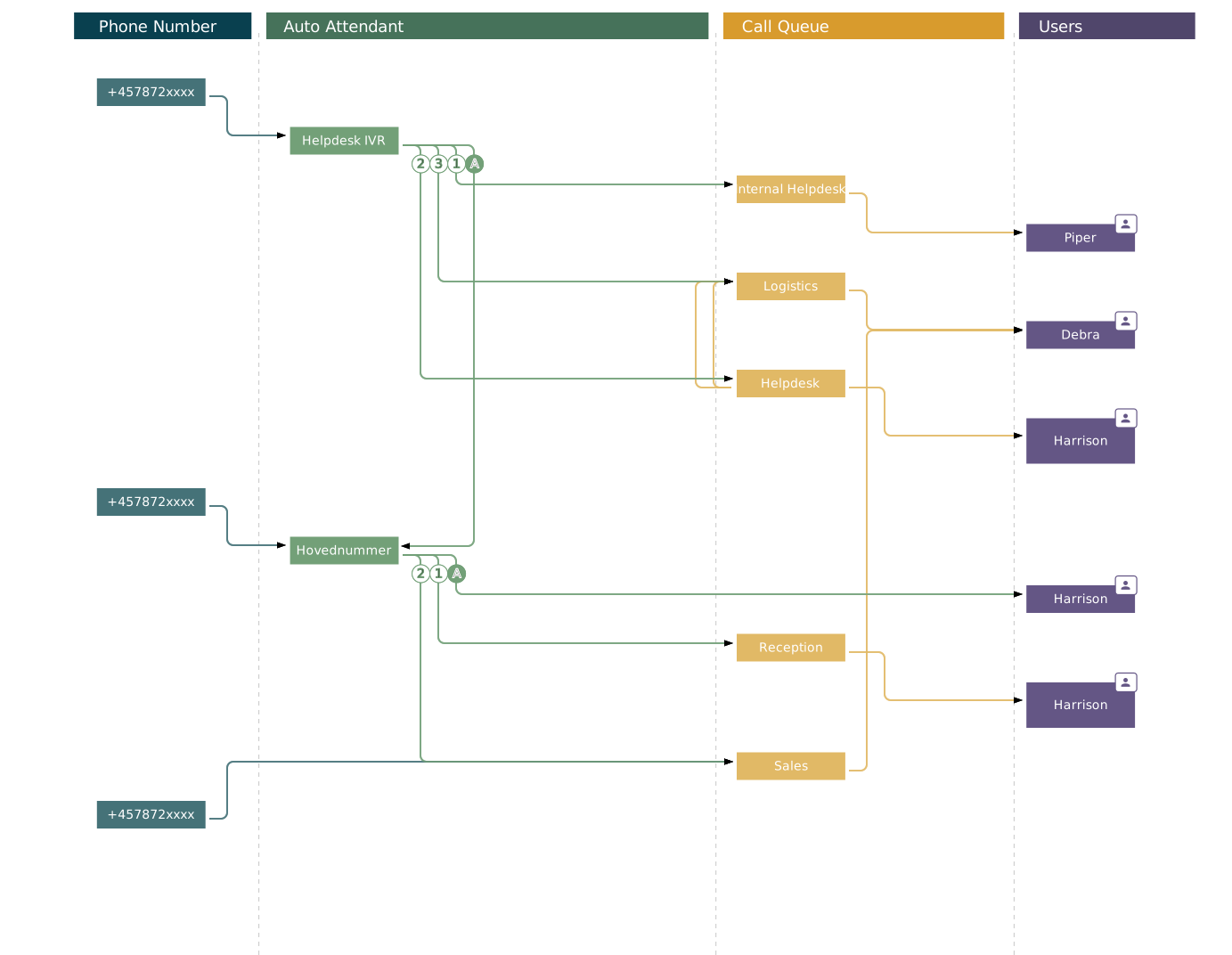
The components are often shown separately
Phone numbers, auto attendants, call queues and agents are managed as separate objects.
The complete relationship becomes harder to maintain.
VoiceQ365 · Call Flow Designer
For Teams administrators, service desk teams, Teams Phone owners and partners.
The challenge
Phone numbers, auto attendants, opening hours, voice prompts, call queues and agents all affect one another. When they are managed separately, it becomes harder to maintain the overview and assess the impact of a change.
Phone numbers, auto attendants, call queues and agents are managed as separate objects.
The complete relationship becomes harder to maintain.
Opening hours, menus, transfers and queue settings affect the call’s onward path.
You need to understand the impact before making the change.
A user may need to manage a call queue or auto attendant without being responsible for the rest of the Microsoft tenant.
Access should match the task.
Call Flow Designer in practice
The views show how call flows, dependencies and administration can be handled together.
Focus on part of the flow without losing connection to the other objects.
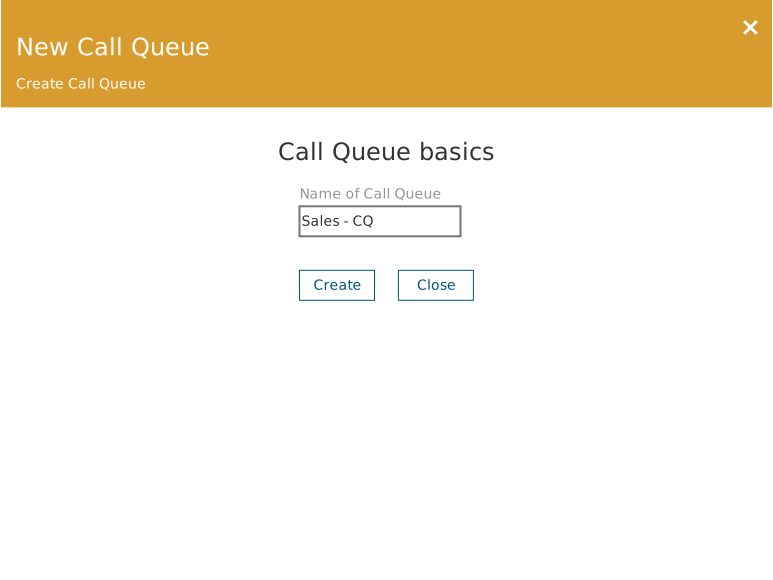
Create a call cookie and configure the basic settings in the same workflow.
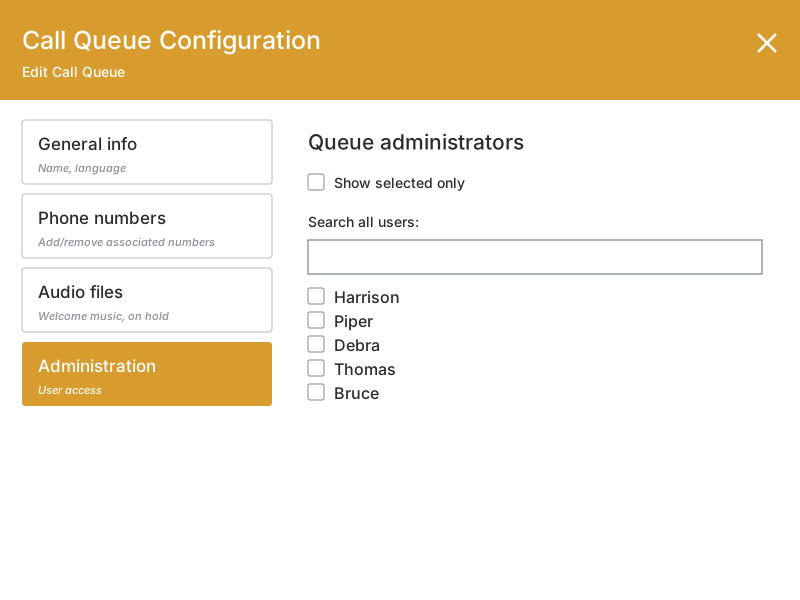
Define who may manage the call queue without losing sight of the context in which the queue is involved.
From overview to change
The visual structure brings relationships and administration into the same workflow.
Follow the relationship from phone number through auto attendant and call queue to the agents who receive the call.
Manage basic settings, associated phone numbers, opening hours and queue configuration from the visual structure.
Use Coherence to define who may view or manage the relevant Teams Phone objects.
Access, roles and audit trail are managed through Coherence.
Microsoft Teams Phone and Coherence
Questions about Call Flow Designer
The module is used to view and manage Microsoft Teams Phone objects such as automatic conversions, call queues, associated numbers, opening hours, resource accounts and agents.
It displays the relationships from phone number and automatic conversion to call queue and employee so that the administrator can understand the whole before making a change.
No. Call Flow Designer is used through Coherence, where access can be limited to the relevant telephony tasks without direct access to Microsoft Teams admin center.
Yeah. Through Coherence, roles and access can be defined according to the organisation, tenant or telephone objects with which the individual must work.
Changes can be followed through the audit trail in Coherence so it is possible to see who has made a change.
No. Microsoft Teams Phone handles the calls. The Call Flow Designer extends the administrative possibilities of automatic conversions and call queues.
Coherence runs in Microsoft Azure. The geographical location depends on the specific delivery. If your organisation has specific data location requirements, we'll clear them as part of the solution.
Next step
We show how auto attendants, call queues, opening hours and agents can be viewed and managed together.