VoiceQ365 for Microsoft Teams Phone | Performance Metrics Skip to content


VoiceQ365

See, understand and manage calls in Microsoft Teams.

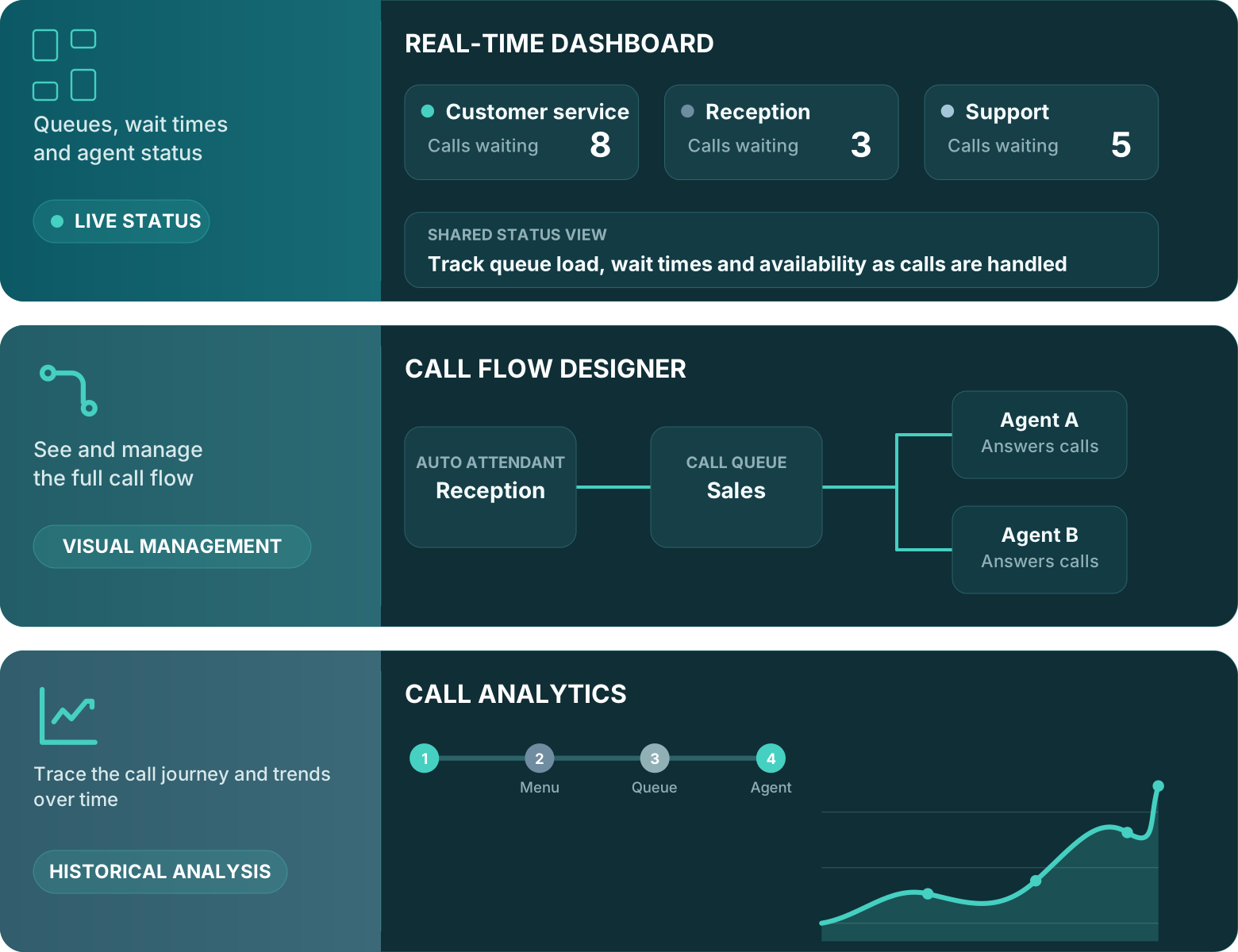
VoiceQ365 builds on your existing Microsoft Teams Phone setup. Its three modules provide dedicated tools for managing call flows, monitoring current call activity and analysing call history.
Use the modules individually or togetherFor organisations and Microsoft partners
VoiceQ365 with Real-Time Dashboard, Call Flow Designer and Call Analytics
Microsoft Teams Phonespecialised solutions for administration, insight and call handling
600+customers
80.000+users worldwide

From configuration to insight

Configuration, current activity and call history are connected – but are often viewed separately.

Changes to auto attendants and call queues affect how calls move through the organisation. Those responsible need to understand the configuration, monitor the current workload and review how calls were handled afterwards.

01

Complex call flows are difficult to understand

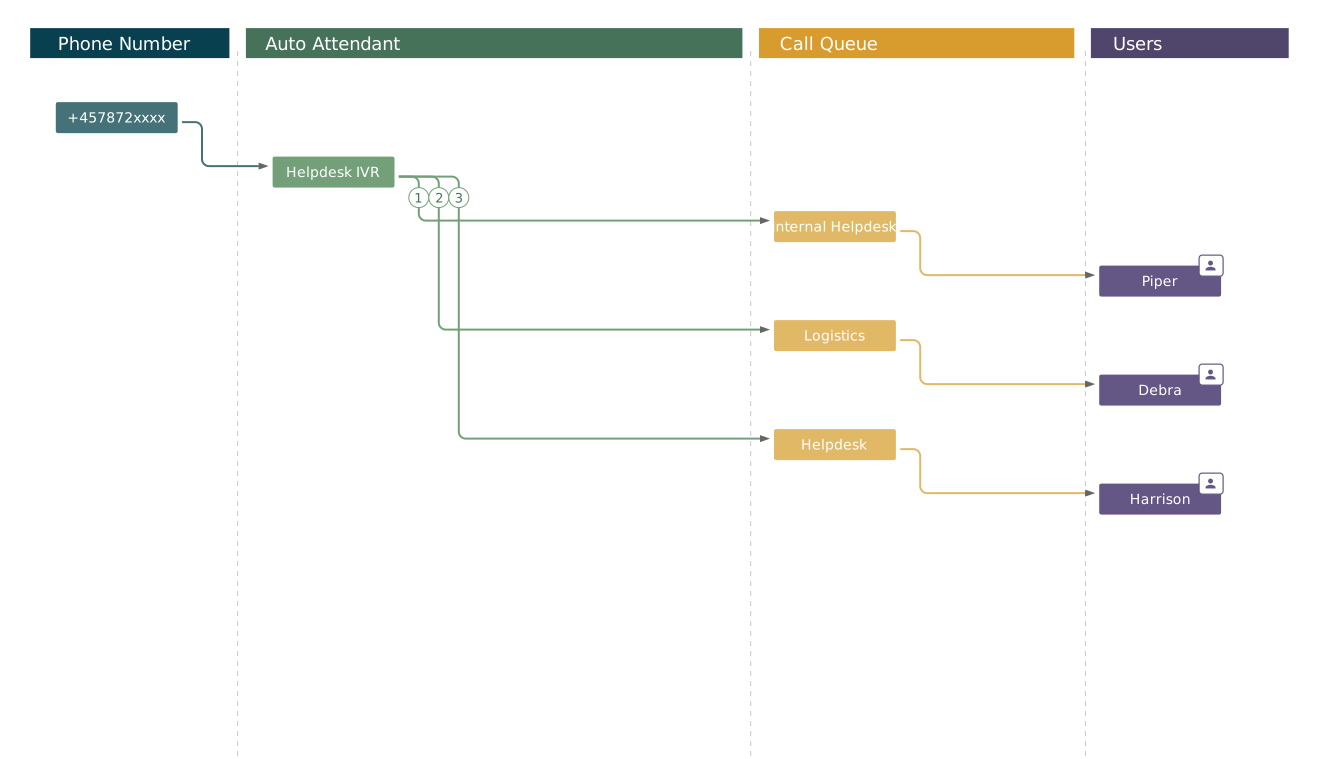
When menus, queues, transfers and opening hours are connected, separate configuration views make the complete call flow difficult to understand.

See the complete call path visually.

02

Current call activity requires a shared view

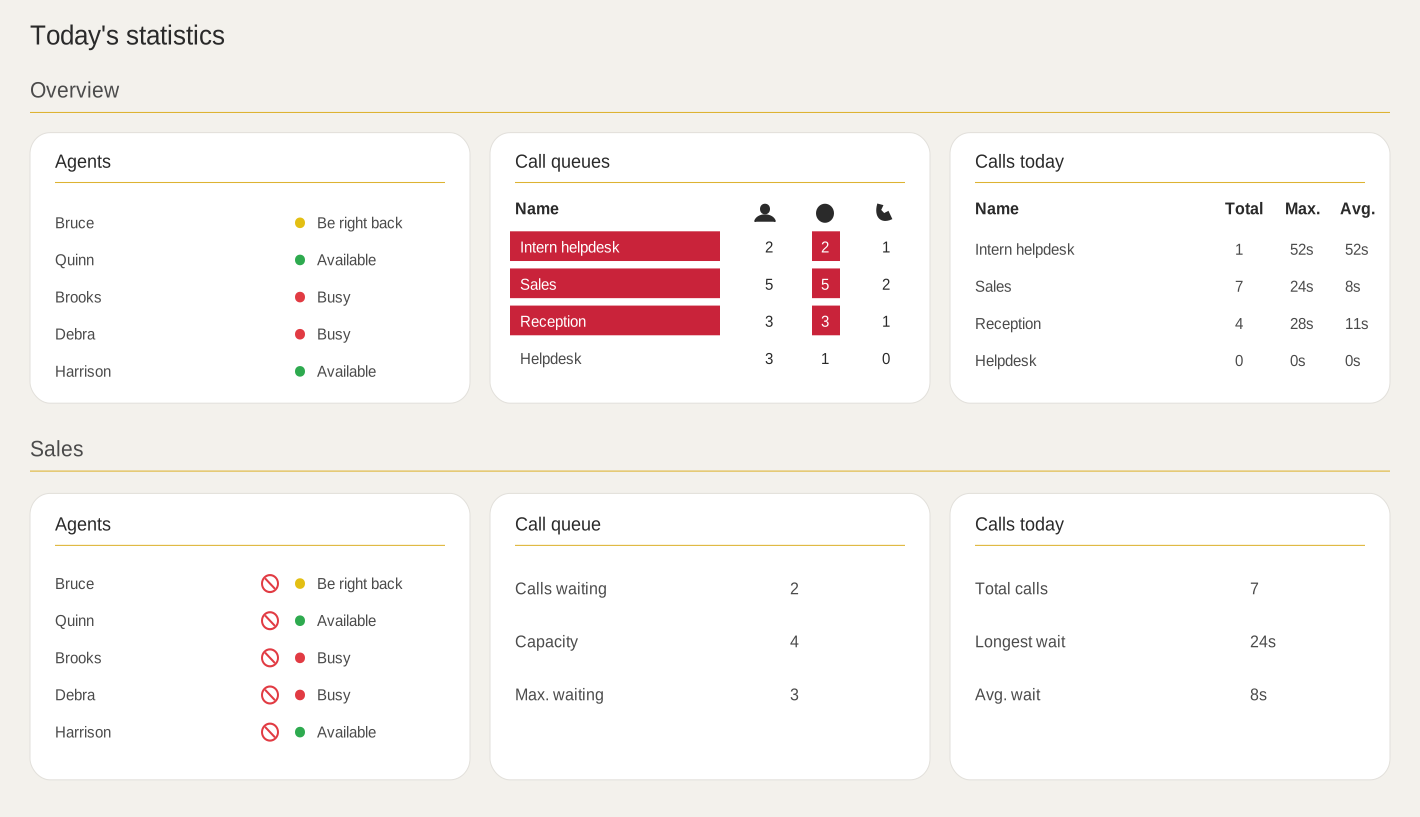
Wait times, queue load and agent availability need to be visible while calls are being handled.

Share the same real-time operational view.

03

Call history should explain what happened

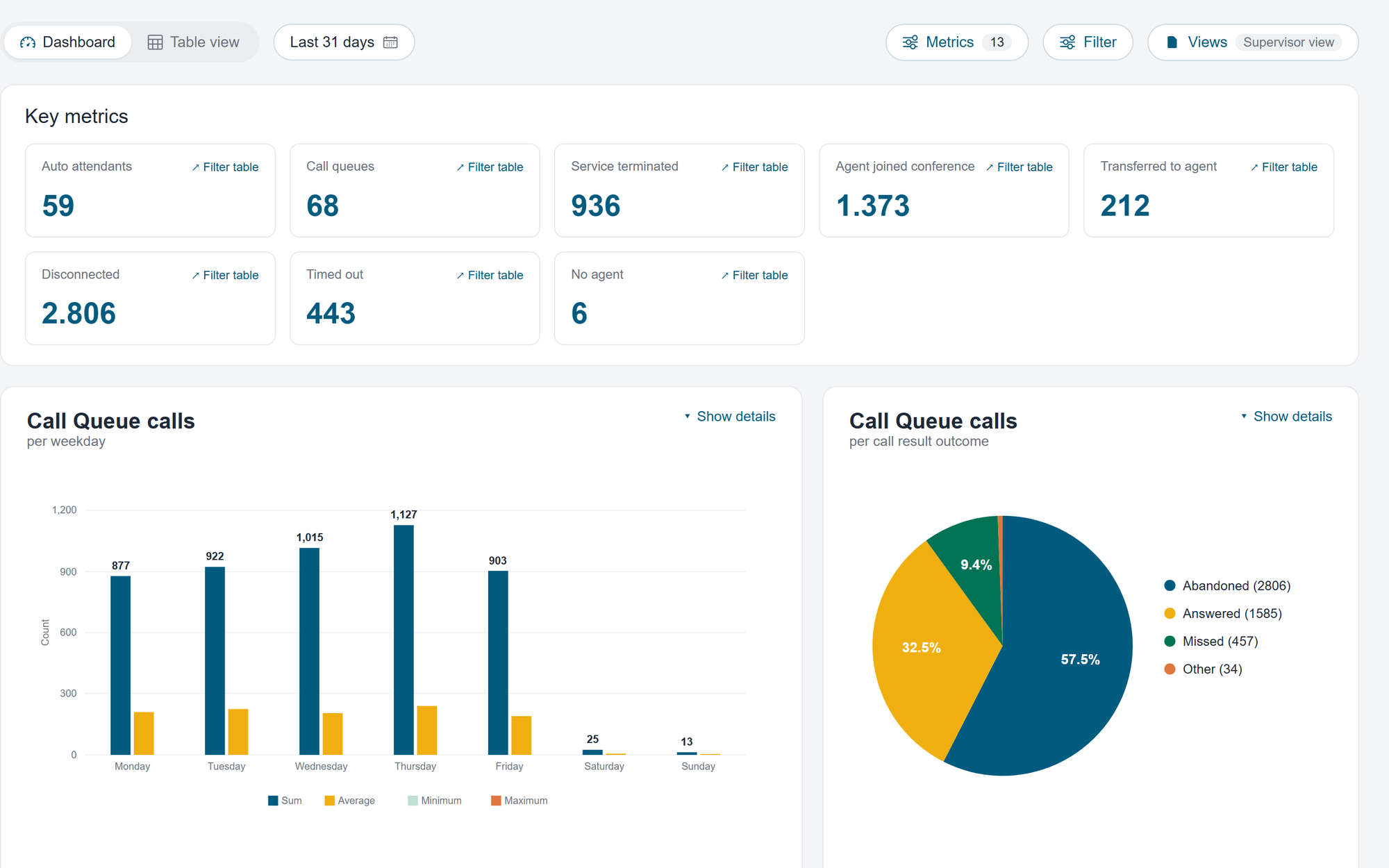
Historical analysis requires access to call patterns, wait times and the path calls took through the organisation.

Understand trends over time.

Three specialised modules

Choose the module that matches the task.

Call Flow Designer, Real-Time Dashboard and Call Analytics can be used individually or together when configuration, current activity and historical analysis need to work together.

Access through Coherence

Provide access to Teams Phone tasks without broad access to Microsoft Teams admin center.

VoiceQ365 is accessed through Coherence. Each user only sees the modules and functions required for their work.

Organisations

Go directly to the relevant modules

Teams Phone administrators, IT operations, service desk staff and queue managers can use the VoiceQ365 modules assigned to them.

Role-based access

Coherence

Sign in · open a module · complete the task

Call Flow DesignerReal-Time DashboardCall Analytics
Partners and MSPs

Select the customer and continue in VoiceQ365

The partner selects the customer they want to support, then opens the VoiceQ365 modules available for that customer.

FAQ

Frequently asked questions about VoiceQ365

What does VoiceQ365 include?

VoiceQ365 consists of Call Flow Designer for visual call flow management, Real-Time Dashboard for real-time operational insight and Call Analytics for historical analysis.

Does VoiceQ365 replace Microsoft Teams Phone?

No. VoiceQ365 does not replace Microsoft Teams Phone. Real-Time Dashboard shows the current activity, Call Flow Designer is used to manage call flows, and Call Analytics is used to investigate historical call data.

Do all three modules have to be used together?

No. Call Flow Designer, Real-Time Dashboard and Call Analytics can be used individually or combined according to your tasks and needs.

Who typically uses VoiceQ365?

The modules are typically used by telephone operators, IT operations, service desks, queues and Microsoft partners working with call flows, current operation or historical analysis.

How do users get access?

VoiceQ365 is accessed through Coherence. Access can be limited to the user's role, responsibility and the Teams tenant or customer tenant with which he is to work.

Where is data processed and stored?

Coherence runs in Microsoft Azure. The geographical location depends on the specific delivery. If your organisation has specific data location requirements, we'll clear them as part of the solution.

Next step

See VoiceQ365 in practice

See how the modules simplify call flow management, provide visibility into current activity and make call history easier to understand.