Wito Attendant | Attendant console for Microsoft Teams Skip to content


Attendant console for Microsoft Teams Phone

Transfer calls to the right colleague

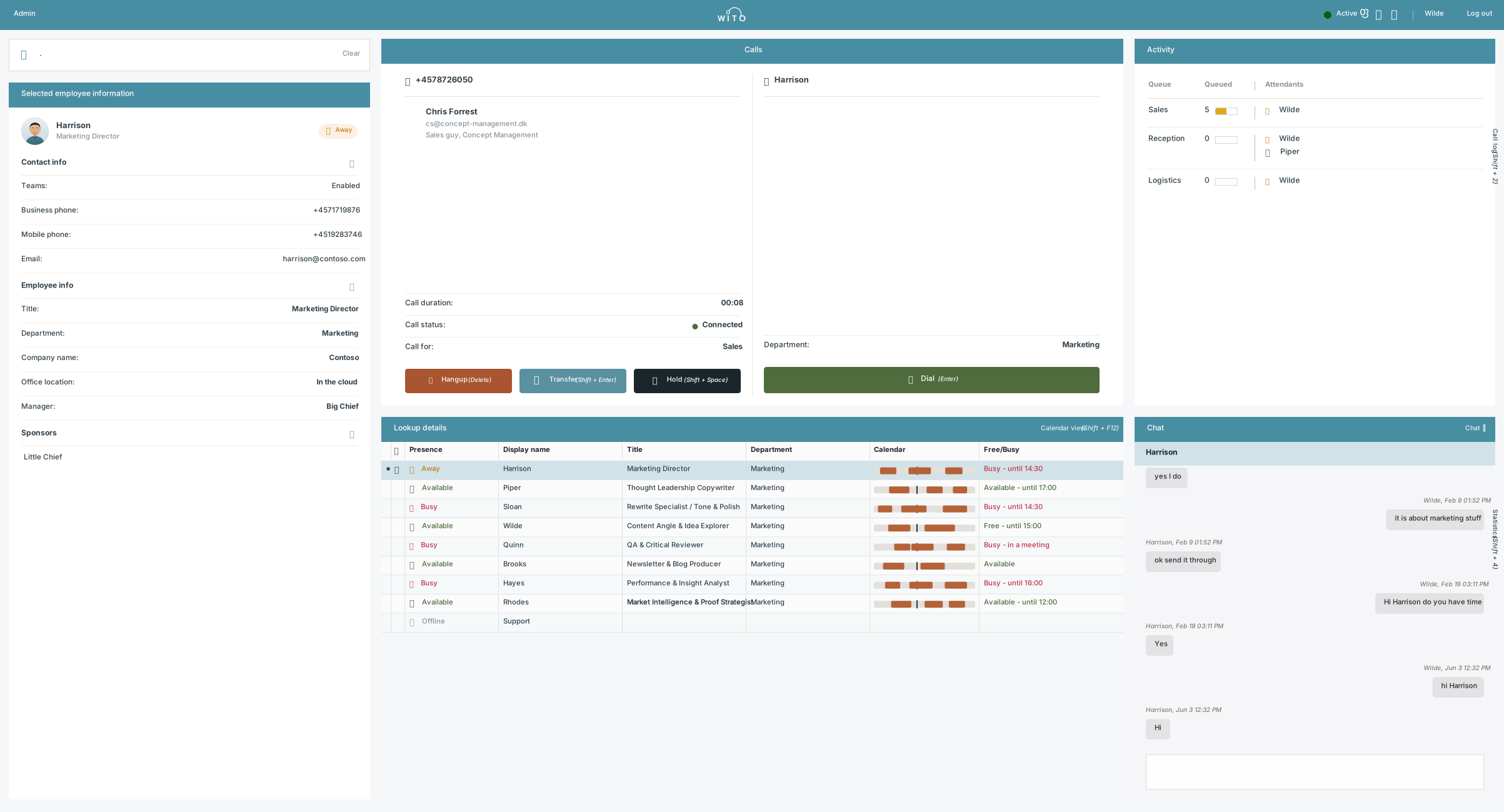
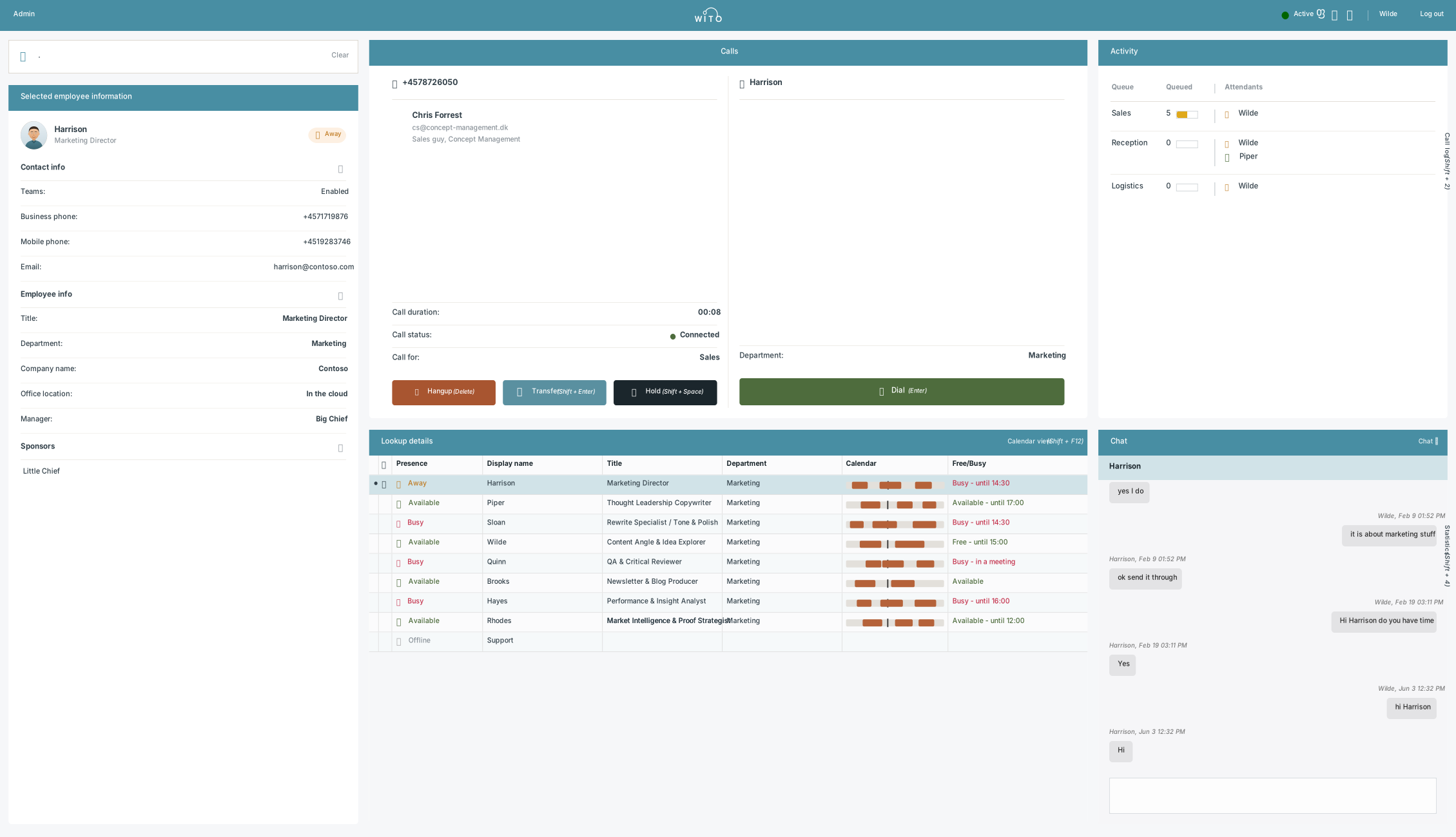
Wito Attendant brings together the functions an operator uses from the moment a call arrives until it is transferred. View the call, find colleagues, check their availability and choose a direct or consultative transfer.
Wito attendant - Hero - Hubspot

Works with Microsoft Teams Phone

Wito Attendant extends Teams Phone with call transfer functions

Your existing telephony setup remains in Microsoft Teams Phone. Wito Attendant gives operators the functions they need to answer calls, find the right colleague and transfer the call.

Wito Attendant in practice

See the information needed to transfer each call.

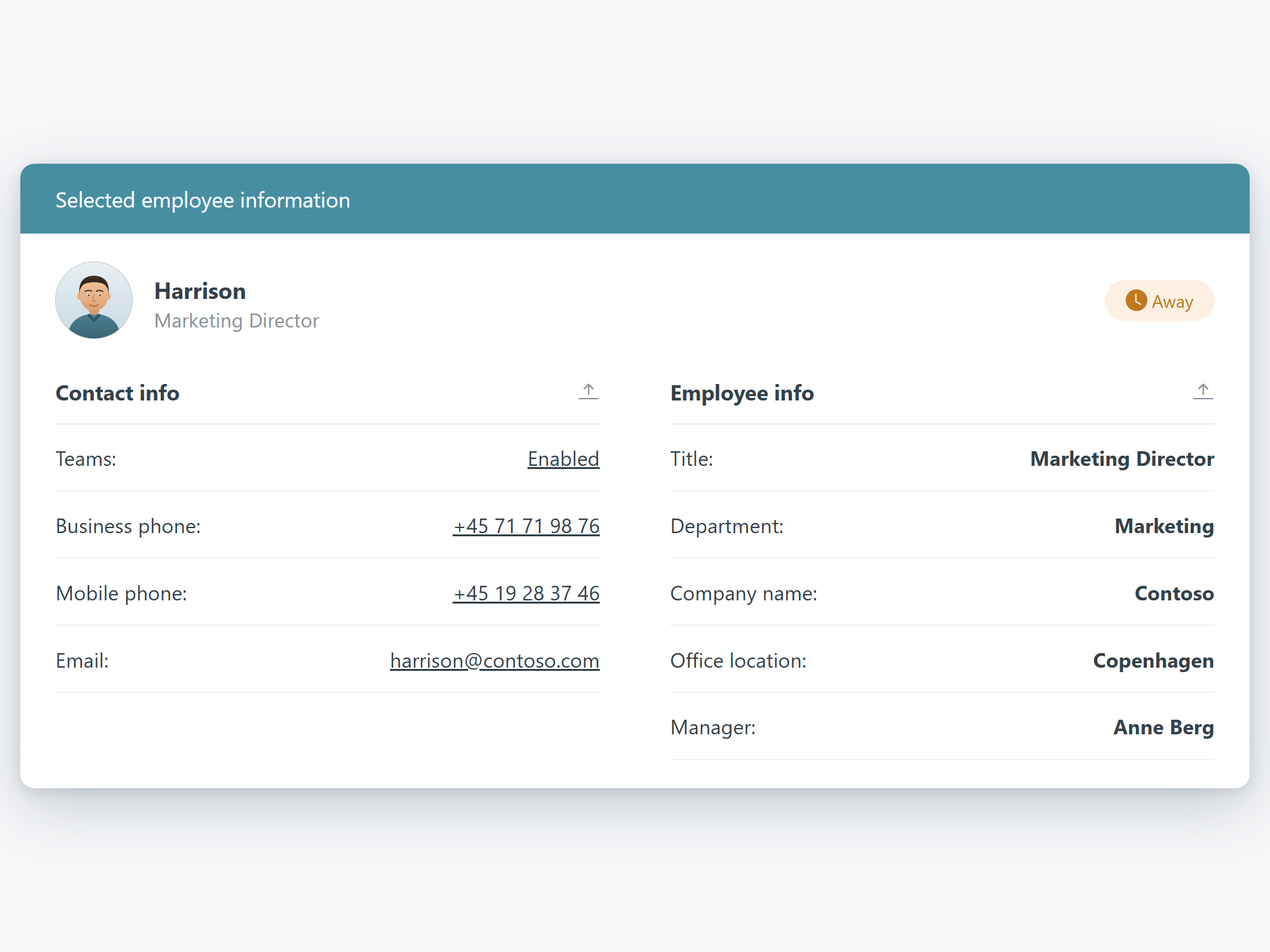
Switch between the overall view, incoming calls, colleague availability, calendar details and contact information.

Wito attendant
Attendant Console

Familiar attendant console functions

From incoming call to the right recipient

The operator needs to act while the call is in progress.

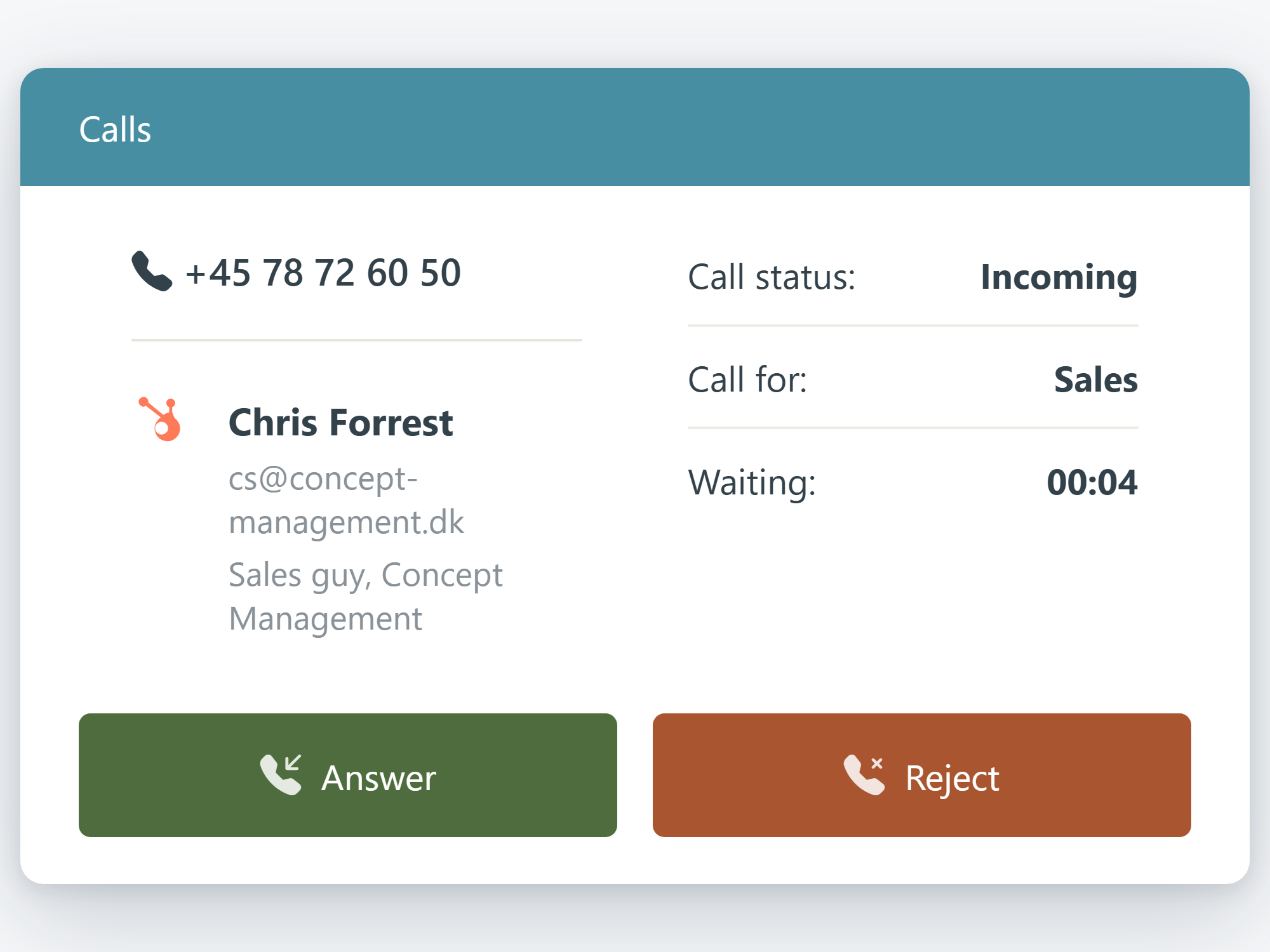
An incoming call requires more than a name search. The operator needs to see the relevant call context, find a colleague, assess availability and choose the appropriate transfer method.

01

Answer the call

See who is calling and which call queue the call came from.

02

Find the right colleague

Search for colleagues by name, department, role or location.

03

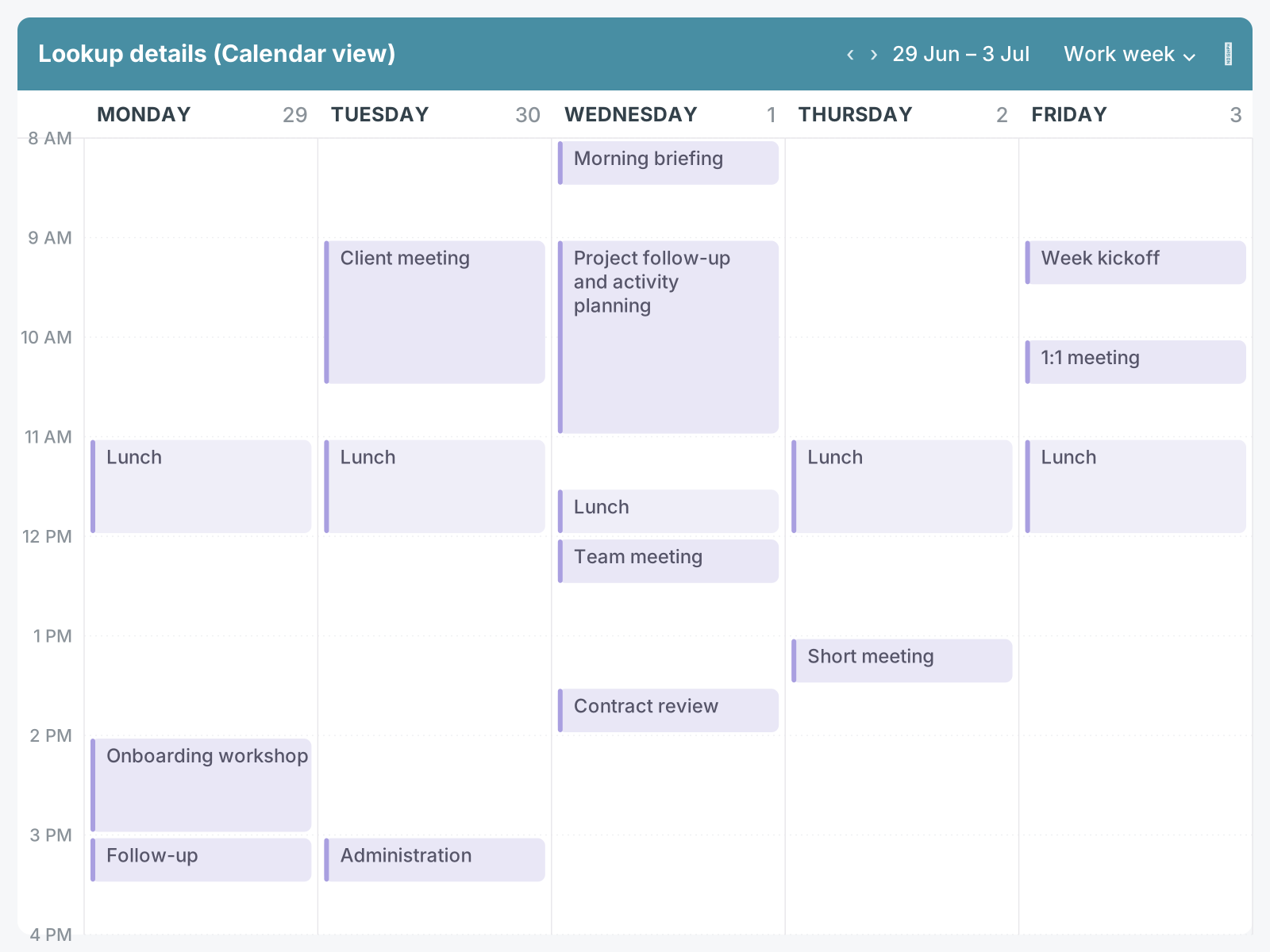
Check availability

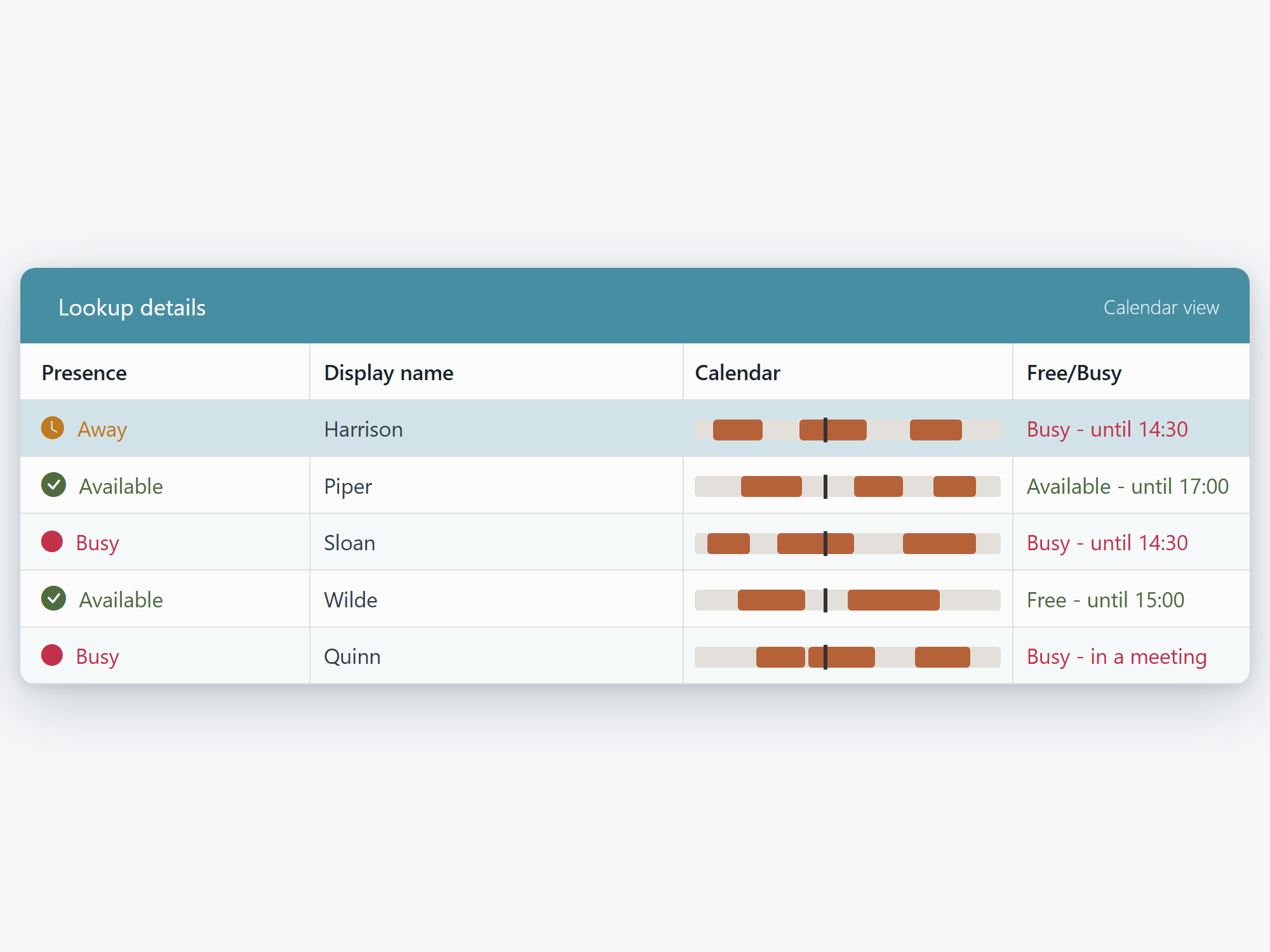
Check availability and calendar status before transferring the call.
04

Choose the transfer method

Use a direct or consultative transfer depending on the situation.

FAQ

Frequently asked questions about Wito Attendant

Does Wito Attendant replace Microsoft Teams Phone?

No. Microsoft Teams Phone continues to handle the telephony. Wito Attendant adds a browser-based attendant console for answering calls, finding colleagues and choosing the appropriate transfer method.

What is the difference between consultative and direct transfer?

At the time of the consultation the receptionist first speaks to the colleague.

Which availability information can be shown for a colleague?

Wito Attendant can show availability and calendar status, so that the receptionist can assess whether the colleague can take the call.

Can Wito Attendant integrate with CRM or other systems?

Wito Attendant can be integrated with the customer's CRM or other relevant systems via the API. Content and scope depend on the specific integration; Wito Attendant does not contain an independent CRM.

What is required to get started?

We are based on your Microsoft Teams Phone setup, reception workflow and call queues and users to enter into.

Product walkthrough

See Wito Attendant based on your requirements.

Tell us how your team answers and transfers calls. We will show the relevant functions and workflows in Wito Attendant.