Rising call activity becomes visible too late
Without a real-time view, a growing queue or increasing wait time may only be noticed after the situation has already developed.
The responsible teams lack a current view.
VoiceQ365 · Real-Time Dashboard
For Teams Phone owners, service desk teams, IT operations and queue managers.
The challenge
When teams only see historical figures, changes are discovered after the fact. They need a shared, current view of queue load, wait times and agent availability while calls are being handled.
Without a real-time view, a growing queue or increasing wait time may only be noticed after the situation has already developed.
The responsible teams lack a current view.
The number of waiting calls only provides the necessary context when viewed alongside current agent availability.
Queue load and availability need to be viewed together.
Service desk teams, queue managers and IT operations may otherwise work from different snapshots.
They need the same current status.
Real-Time Dashboard in practice
The dashboard brings queue load, wait times, today’s calls and agent availability together in focused views.
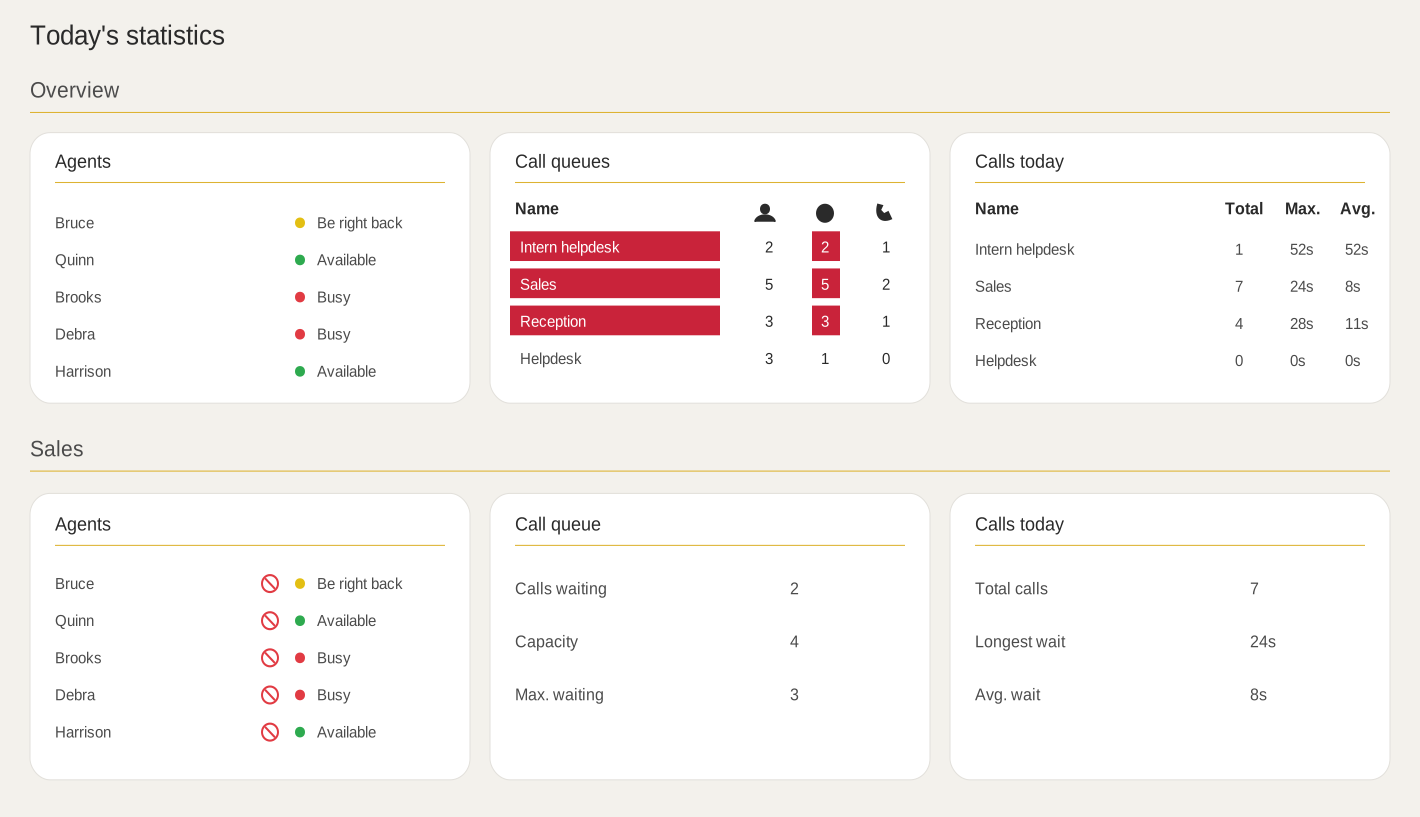
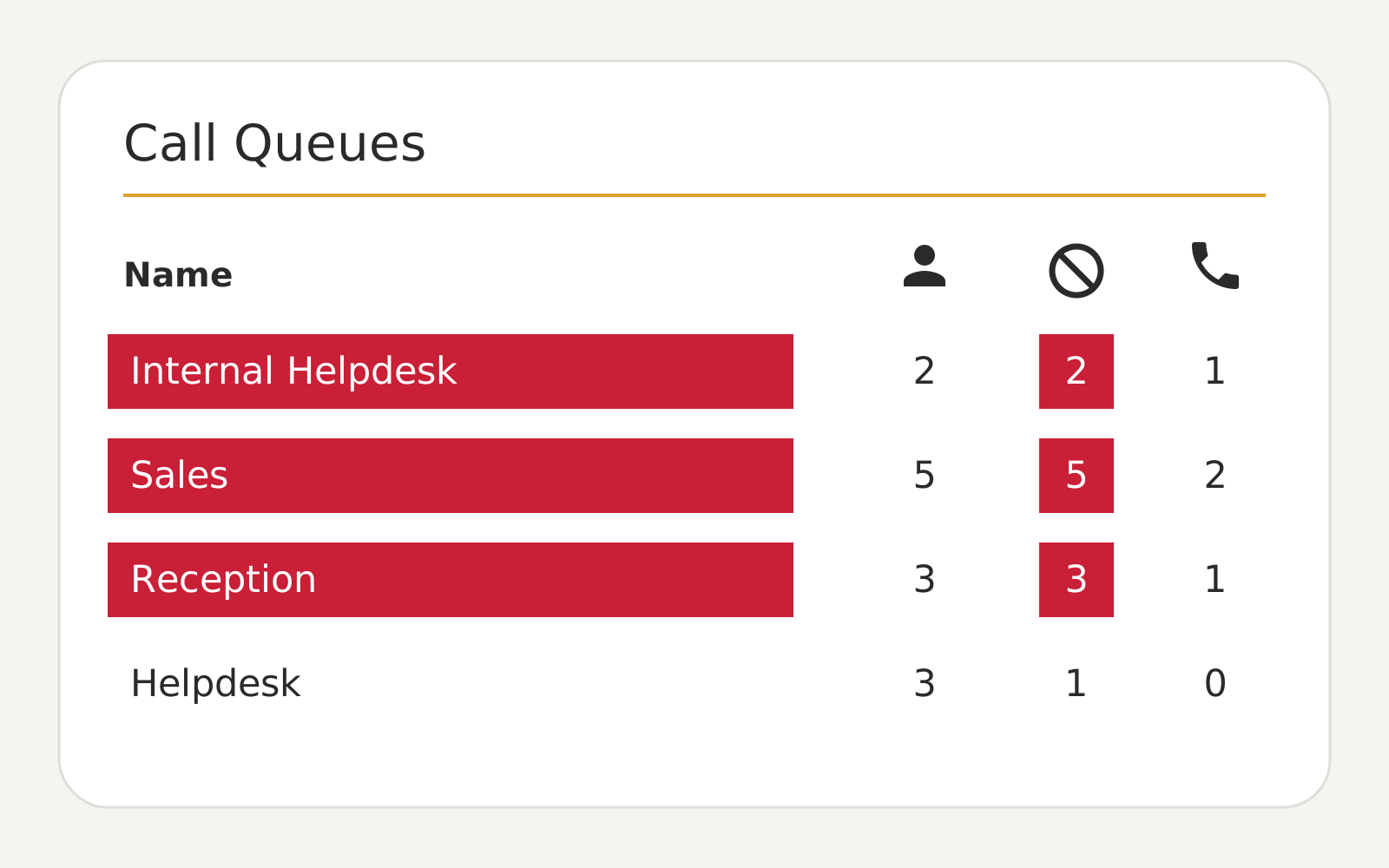
Monitor waiting calls and the longest current wait time in the relevant call queues.
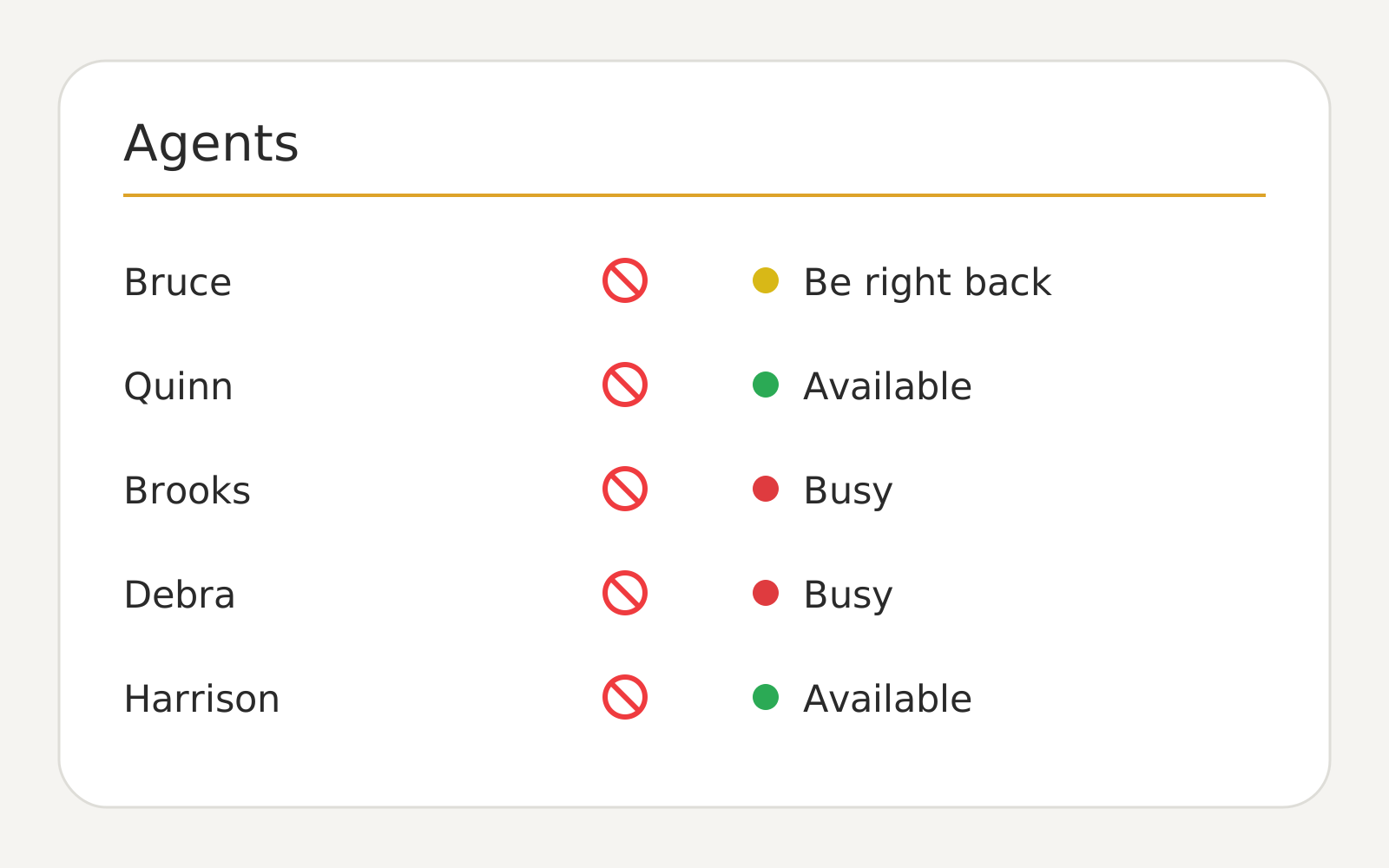
Look who's logged in, available or busy while operating.
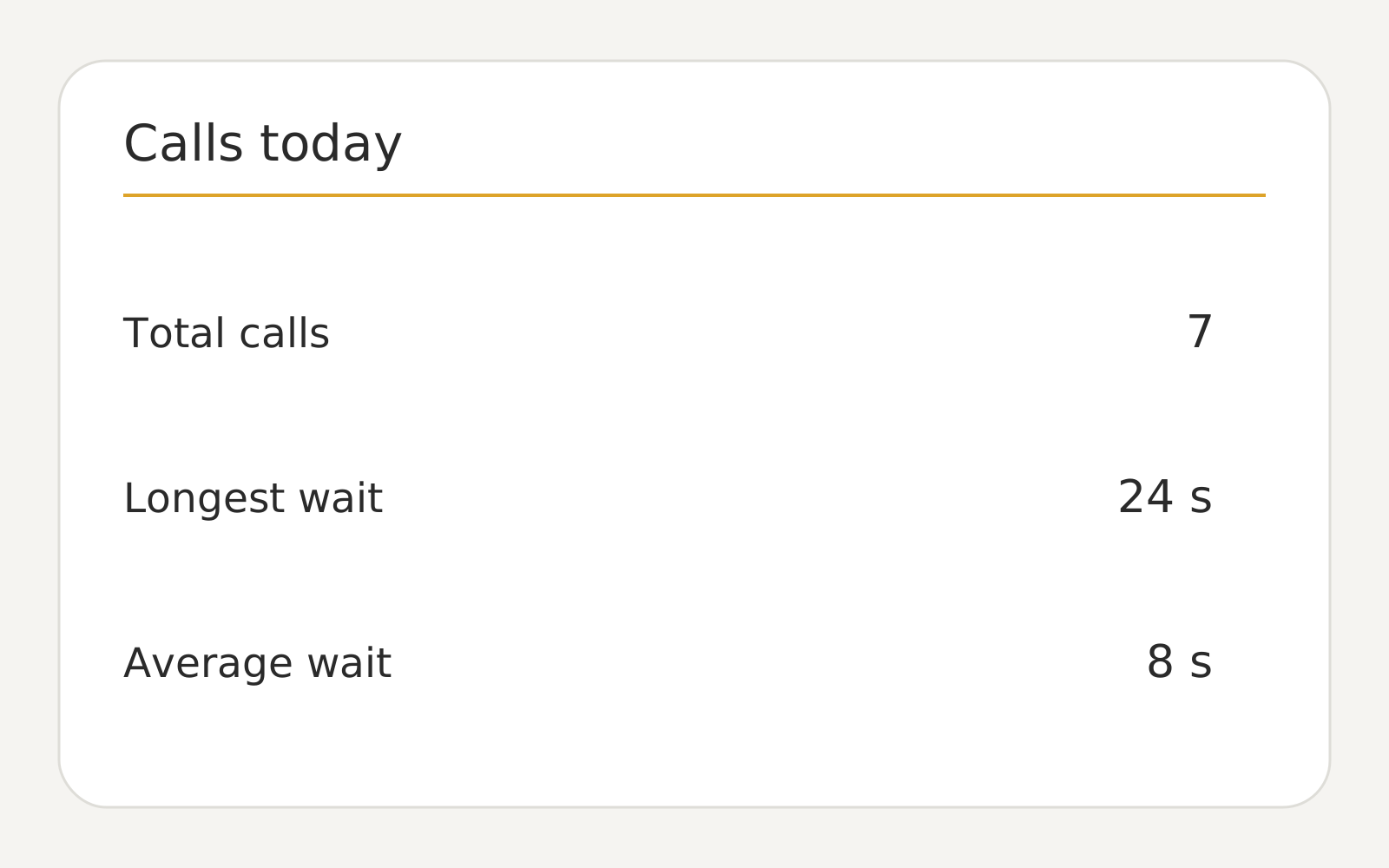
Follow today's calls as well as the longest and average waiting time in the current operation.
See agent availability across call queues
From status to prioritisation
Real-Time Dashboard shows the current situation. Call history and trends over time are analysed in Call Analytics.
See where calls are building up and which queues have the longest current wait time.
Assess waiting calls in relation to which agents are signed in, available or busy.
Give Teams Phone owners, service desk teams and queue managers access to the same current view.
Access, roles and audit trail are managed through Coherence.
Microsoft Teams Phone and Coherence
Questions about Real-Time Dashboard
The Dashboard displays the current status of call queues, waiting calls, waiting times, day calls and agency availability.
The Real-Time Dashboard shows the current operation. Call Analytics is used to investigate historical calls, patterns and developments over time.
This is relevant for telephone operators, service desks, IT operations, cooling managers and partners to follow the current load and manning.
Access and roles are handled through Coherence so that the display can be delimited according to the responsibility of the organisation or partner.
No. Microsoft Teams Phone handles the calls. Real-Time Dashboard provides an overall, current picture of the relevant operation.
Coherence runs in Microsoft Azure. The geographical location depends on the specific delivery. If your organisation has specific data location requirements, we'll clear them as part of the solution.
Next step
We show how the responsible teams can monitor current queue load, wait times and agent availability.